
Welcome to Analysistabs® comprehensive resource hub for Project Managers, Excel and VBA enthusiasts! Dive into our extensive collection of Excel VBA codes, projects, and project management templates, all designed to supercharge your efficiency and project success. Whether you’re refining your programming skills, enhancing project workflows, or seeking advanced data analysis tools, our expertly crafted resources are ready to elevate your productivity. Start exploring now to find the perfect solutions for your project management needs!
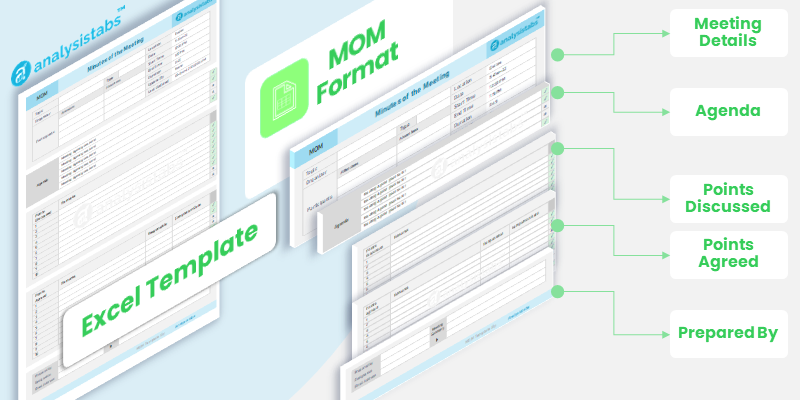
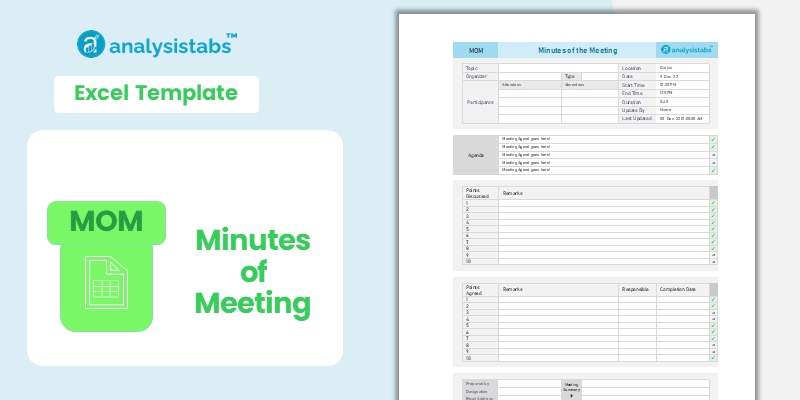
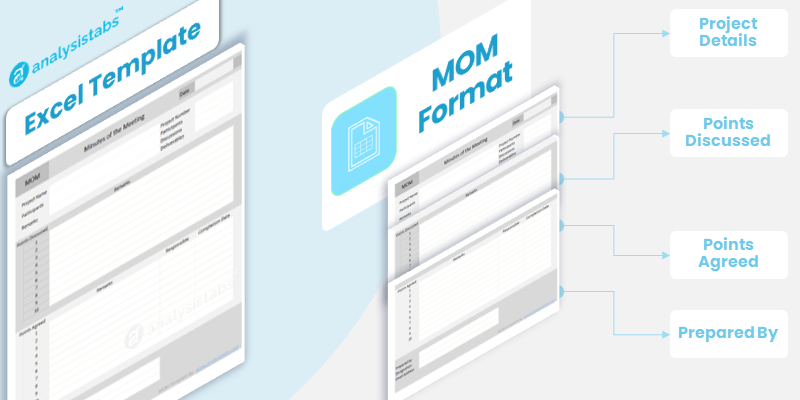
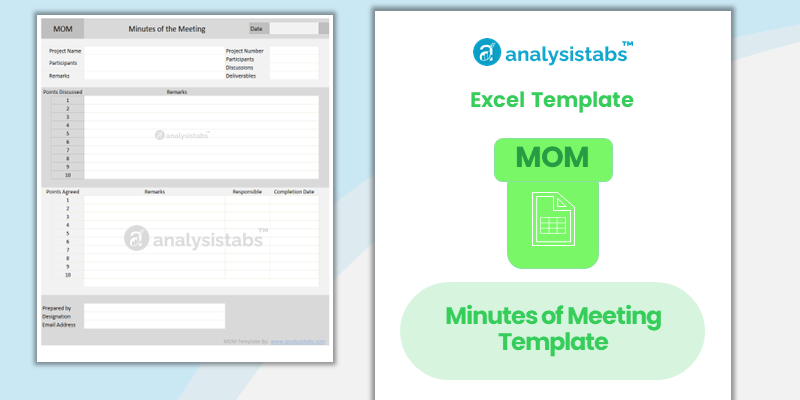
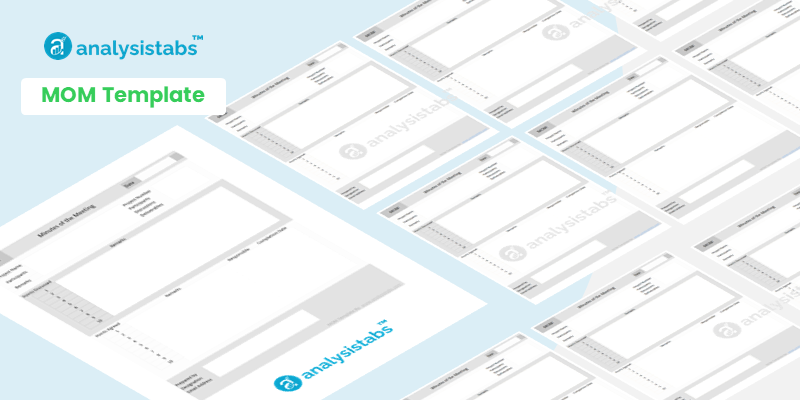
MOM Format – Minutes of Meeting Excel Template [Free Download]
Template Overview This template is a professional-grade tool from the Analysistabs library, built on a foundation of deep [...]
ANALYSISTABS Version 4.0.0
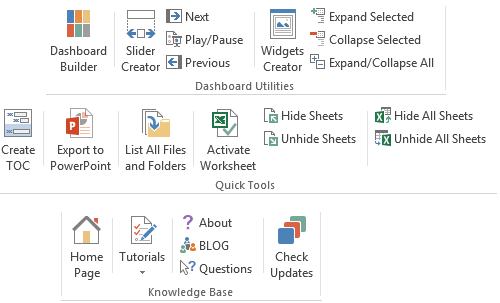
ANALYSISTABS Version 4.0.0 is releasing today. I have added new utilities to navigate worksheets and enhanced Slider and Widget tools.
New Features
- Activate Worksheet: To quickly navigate the worksheets in the workbook
- Hide Sheets: To hide the active worksheet
- Unhide sheets: To Unhide the hidden worksheet
- Hide All Sheets: To quickly hide all worksheets in the workbook (except active worksheet)
- Unhide All Sheets: To quickly unhide all worksheets in the workbook
- Enhancements:New features added in Slider and Widget creators

ANALYSISTABS Version 3.0.0
Wish You Happy New Year - 2014
The new version 3 of ANALYSISTABS Excel Add-in is ready to release on 1st Jan 2014. This is more robust and powerful than the previous versions. This version is optimized to work on both 32 bit and 64 bit Operating Systems.Get ANALYSISTABS

Categorical or Comparative Data Analysis using Excel VBA
Categorical or Comparative Data Analysis is helpful to study the categorical data to understand and compare the metrics between different categories. For example, we can study effect of particular drug in various countries in health care projects. If we consider retail data, we may study POS (Point of Sales) Data, how is the sales in various regions of the country, or how many units are selling from each store or from each department of the supermarket.
Trend Analysis or Longitudinal Data Analysis using Excel VBA
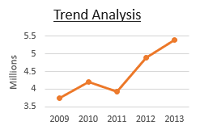
Trend or Longitudinal Data Analysis is helpful to study historical data to understand change in data over particular time frame. Learn more with Examples.
In this topic, you can download example macro tool for Trend Analysis, with explanation of the below topics:
- Understanding requirement
- Understanding the Data
- Design and Planning
- Cleaning the Data
- Identifying the variables and creating new variables
- Plotting the Charts and Tables to understand the Data
- Providing Interactivity using VBA
- Providing Help or Guidelines to users
- Understanding Summarized Data
- Writing Overall Summary and Insights

Remove Alpha Special characters from Range using Excel VBA
Examples using Procedures and Function to Remove Alpha Special characters from Range using Excel VBA to get only numeric data from specific range.
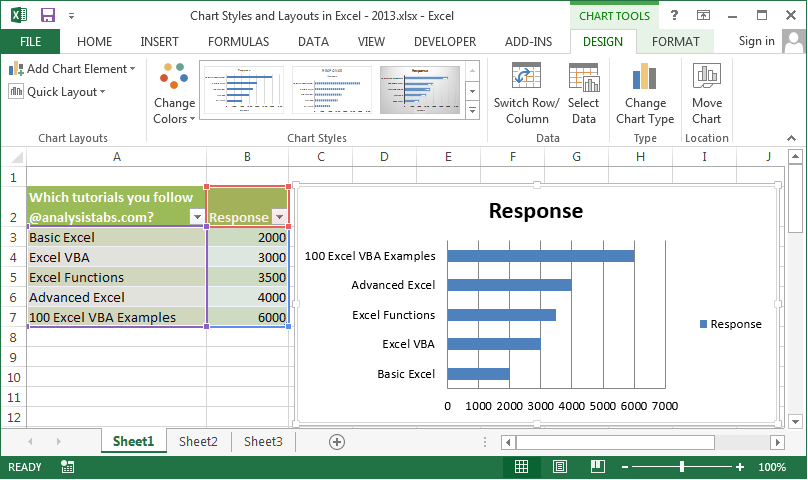
Chart Styles Layouts and Templates in Excel
Creating Charts in Excel is very easy, we change the look and feel by working with Chart Styles [...]
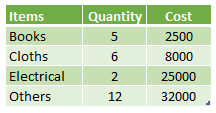
Create Charts in Excel
Well! we have seen some basics of charts in the previous topic. Now, we will see how to [...]
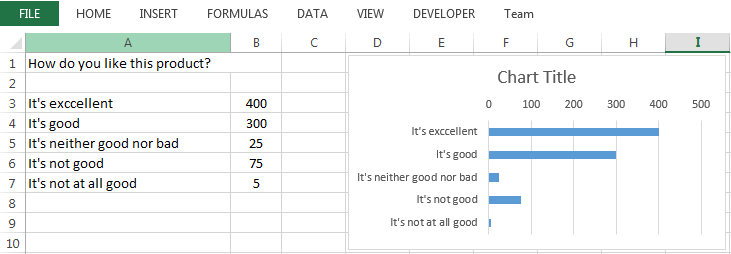
Excel Chart Elements and Chart wizard
Many of our readers asking me to post tutorials to understand Excel Chart Elements and Chart wizard. This [...]