
Welcome to Analysistabs® comprehensive resource hub for Project Managers, Excel and VBA enthusiasts! Dive into our extensive collection of Excel VBA codes, projects, and project management templates, all designed to supercharge your efficiency and project success. Whether you’re refining your programming skills, enhancing project workflows, or seeking advanced data analysis tools, our expertly crafted resources are ready to elevate your productivity. Start exploring now to find the perfect solutions for your project management needs!

Free Project Appraisal Templates — Excel, PowerPoint & PDF
Evaluate whether to accept or reject a project proposal with our free project appraisal templates. Available in Excel, [...]

Project Transition Plan Template Excel – Free Download
A Project Transition Plan Template is a helpful document used by project managers and stakeholders. It helps them [...]
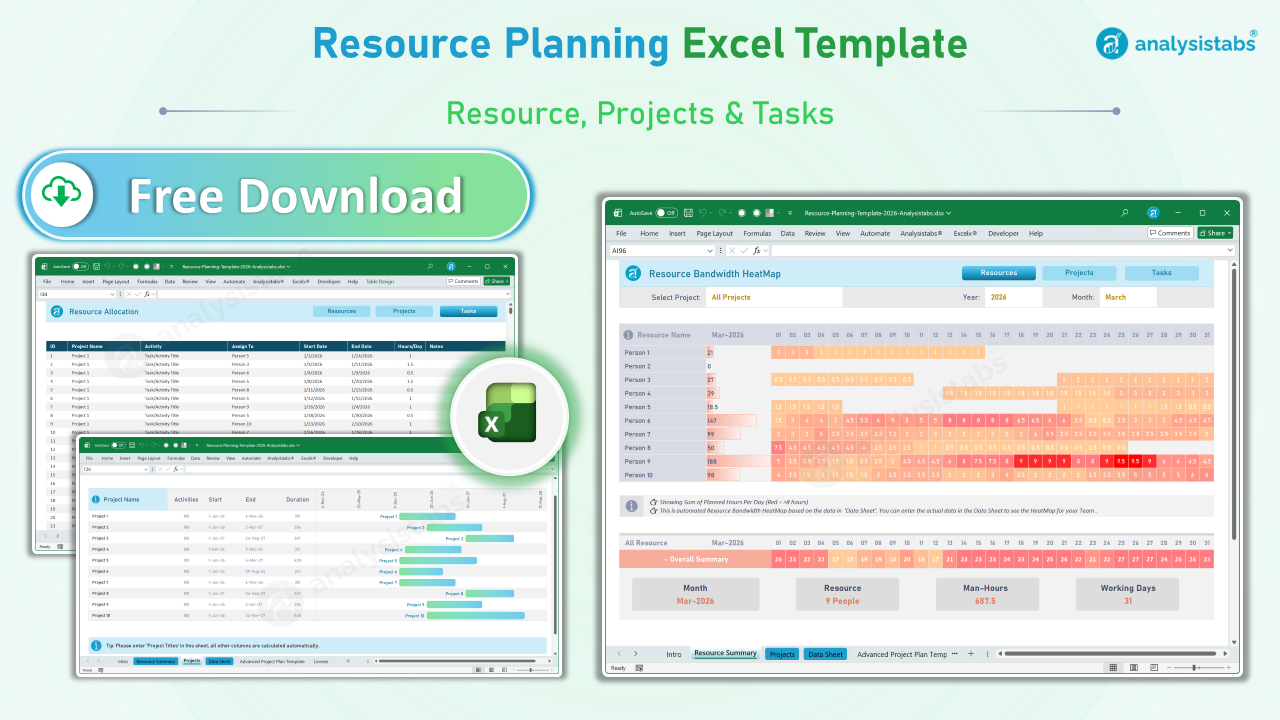
Resource Planning Template Excel – Free Download
Resource Planning Template Excel helps to plan resource capacity planning, utilization and allocation. You can Track and to [...]

Multiple Project Tracking Template Excel Free Download
Multiple Project Tracking Template Excel helps you to manage the Multiple Projects and Resource in Excel . Multiple [...]
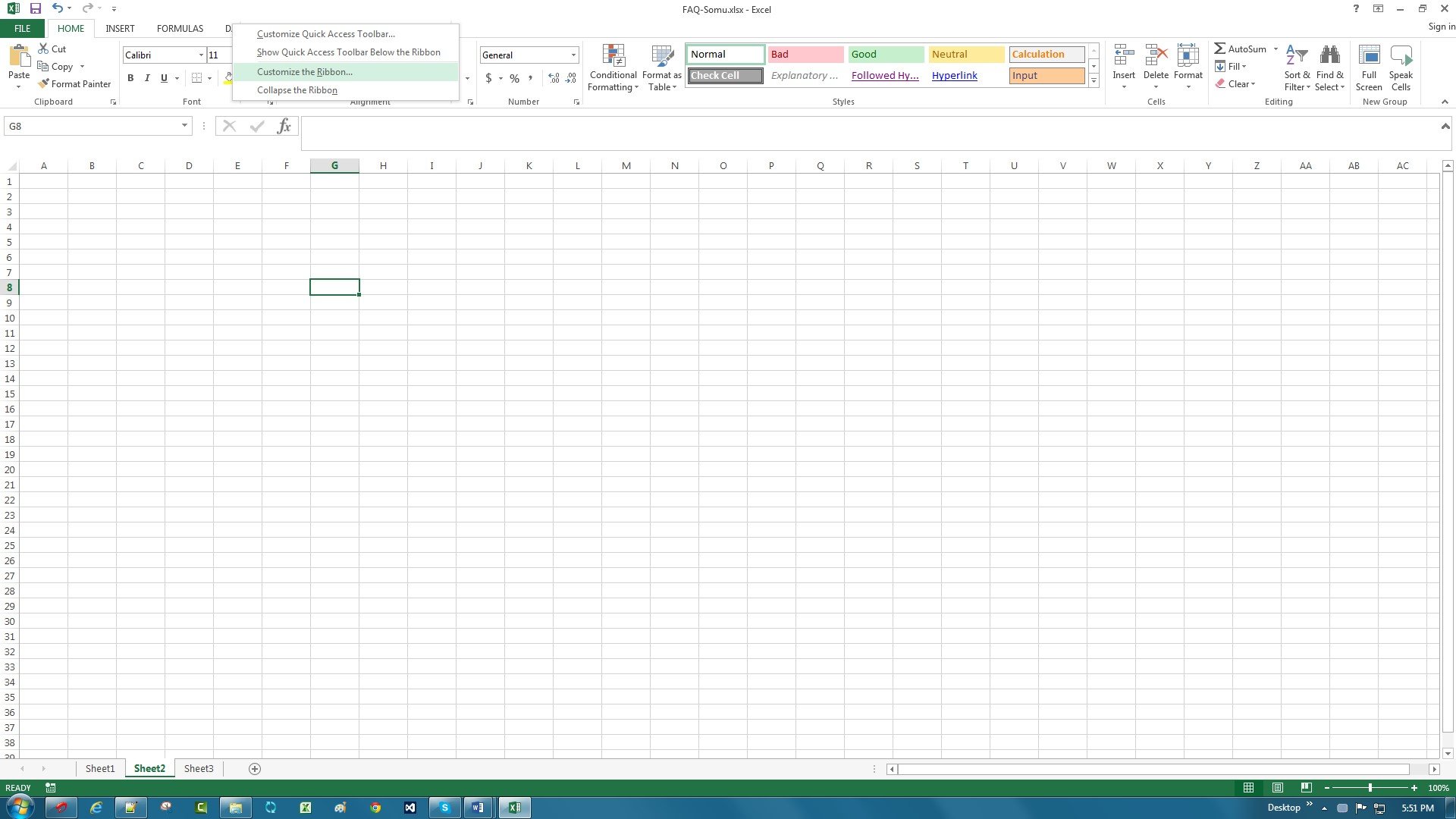
Hide Developer Tab in Excel Ribbon
Hide Developer Tab in Excel Ribbon using from the Excel options. It helps to prevent users from opening [...]
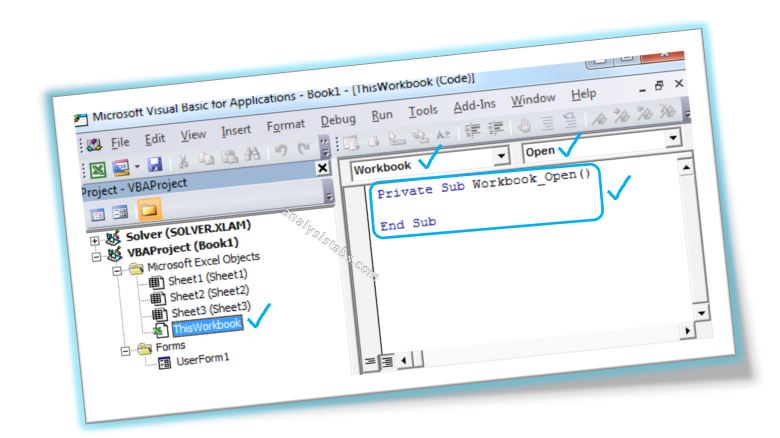
Show or Hide|Unload a userform
Show or hide means to display or hide a Userform. We use Show and Hide methods to display or hide. Unload will be used when completes the task.

Column Number to Column Name
Column Number to Column Name is nothing but converting column number to Excel alphabetic character column name. Most of the time while automating many tasks using Excel VBA, it may be required.
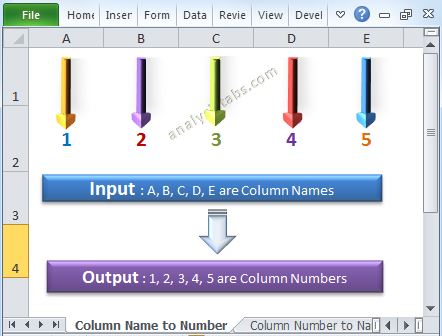
Column Name to Column Number
Column Name to Column Number is nothing but converting Excel alphabetic character column name to column number. Most of the time while automating many tasks it may be required. Please find the following details about conversion of column name to column number. You can also say column string to column number. Or get alphabetic character to column number using Excel VBA.
Remove CheckBox on Worksheet or UserForm in Excel
We can remove or delete checkbox on the worksheet or userform using ‘Go To Special’ or ‘Select Objects’ or by turning on Design Mode in Developer tab. when we don’t want to place checkbox control on the worksheet or userform we removes from there. Please find the more details and screenshots for clear understanding about remove checkbox control in the following chapter.